

The Evolution: From Autocomplete to Autonomous Agents
The journey from basic code completion to autonomous coding agents happened remarkably fast. Let’s trace this evolution through its key phases.
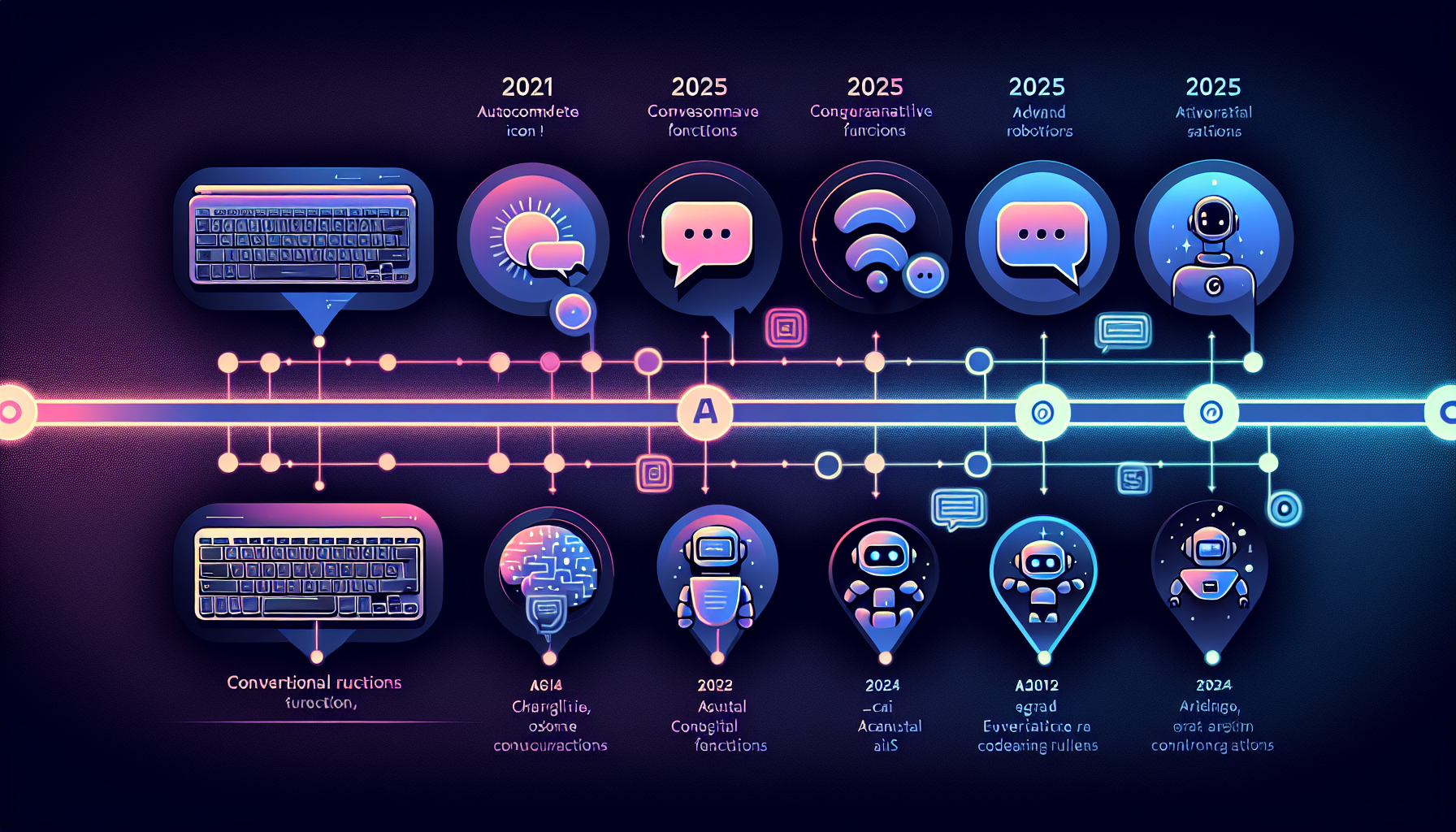
Timeline: Evolution of AI Coding Tools
Phase 1: The Autocomplete Era (2021-2022)
GitHub Copilot’s beta launch in 2021 marked the beginning of AI-powered code assistance. Built on OpenAI’s Codex, it offered surprisingly good code suggestions based on context. For many developers, this was the first glimpse of AI that could genuinely accelerate coding.
During this phase, AI coding tools primarily focused on:
- Single-line and multi-line code completion
- Pattern recognition from training data
- Basic context awareness within a single file
The technology was impressive but limited. Developers still drove every decision, and the AI served purely as a sophisticated autocomplete engine.
Phase 2: Chat-Based Intelligence (2023)
The arrival of GPT-4 in March 2023 changed everything. GitHub Copilot upgraded its backend, introducing Copilot Chat—an AI that could not only suggest code but explain it, debug issues, and handle queries in natural language.
How GPT-4 Transformed Developer Interactions
Explanations
Debug Help
Refactoring
This period also saw the open-source LLM explosion. Meta’s release of Code Llama and the broader LLaMA 2 ecosystem sparked what many called a “Cambrian explosion” of local code-focused models. Developers now had options beyond proprietary solutions.
By late 2023, AI coding assistants became “agentic”—going beyond single-line autocomplete to more autonomous behaviors.
Phase 3: The Agentic Revolution (2024-2025)
The shift from “AI Code Assistants” to “Agentic IDEs” reflects a fundamental evolution. In 2023, developers wanted better autocomplete. In 2024, they wanted multi-file editing. By 2025, they were delegating entire workflows to agents and trusting the results.
What Makes an IDE “Agentic”?
The term “agentic” distinguishes modern AI coding tools from their predecessors. But what exactly qualifies an IDE as agentic?
❌ Traditional AI Assistant
- Suggest code
- Wait for input
- Single-file focus
- No verification
- Manual debugging
- Session-limited
✓ Agentic IDE
- Understand the full task
- Plan the approach
- Execute across files
- Run tests automatically
- Self-correct on failures
- Complete task autonomously
Core Characteristics of Agentic IDEs
Key Players in the Agentic IDE Space
The 2025-2026 landscape features several major players, each with distinct philosophies and strengths.
Cursor
4.9/5
The developer’s default choice. VS Code foundation with AI superpowers.
Composer mode
8 parallel agents
Claude Code
4.5/5
Terminal-first approach. Built for complex reasoning and delegation.
Memory features
50k+ LOC
Windsurf
Cascade
Complete agentic IDE with deep project context and flow focus.
Terminal watch
Flow state
GitHub Copilot
1.8M users
Enterprise standard. Microsoft ecosystem integration.
Next edit
CLI agents
Core Capabilities Developers Rely On
What can you actually do with an agentic IDE today? Here are the capabilities that matter most.
Multi-File Editing
Both Cursor and Windsurf can read and write code across multiple files, suggest and execute terminal commands, and coordinate multi-step development workflows. This is table stakes for any serious agentic tool.
Project Indexing
Static project indexes map functions, imports, and relationships across your codebase. This allows the AI to:
- Understand code dependencies
- Predict ripple effects of changes
- Navigate unfamiliar codebases quickly
- Suggest contextually appropriate solutions
Terminal Command Execution
Modern agents can run builds, execute tests, install packages, and respond to errors. This closes the feedback loop—the agent doesn’t just write code, it verifies that code works.
Memory and Context Persistence
One of the biggest frustrations with early AI tools was the constant need to re-explain context. Agentic IDEs are addressing this with memory features that persist across sessions:
What Developers Want in 2026
The developer community has clear expectations for the next generation of agentic tools.
Fire-and-Forget Workflows
The promise of “fire and forget” has captured developer imagination. The ideal workflow: queue up tasks, let agents work in the background (or overnight), and return to review completed pull requests.
Better Memory
Human-in-the-Loop Controls
Despite wanting autonomy, developers also want safety nets:
- Fine-grained permissions for agent actions
- Approval gates before destructive operations
- Configurable autonomy levels per task type
- Clear audit trails of every agent action
Realistic Expectations
The Future: Multi-Agent Systems
The next frontier is already emerging: multi-agent systems where specialized agents collaborate on complex tasks.

Multi-Agent Orchestration Model
🎯 Orchestrator Agent
✅ Completed Feature
Cursor already supports parallel agent execution with up to eight agents working simultaneously on different aspects of a task. GPT-5-Codex has been observed working independently for more than 7 hours on large, complex tasks—iterating on implementation, fixing test failures, and delivering successful results.
The trajectory is clear: we’re moving toward a world where developers become architects and reviewers, while agents handle the implementation details.
Choosing Your Agentic IDE
With multiple strong options available, how do you choose? Here’s a practical framework:
The distinction between Cursor and Claude Code is particularly notable: Cursor is for “flow state” coding with fast, inline edits while you type. Claude Code is for “delegation”—you tell it to refactor the auth module, and it executes the plan. Many developers use both, choosing the right tool for each moment.
Conclusion
The rise of agentic IDEs represents a fundamental shift in software development. We’ve moved from tools that suggest code to tools that can reason, plan, and execute—handling entire workflows with increasing autonomy.
The key players—Cursor, Claude Code, Windsurf, and GitHub Copilot—each bring unique strengths to this new paradigm. Cursor leads in user adoption and inline experience. Claude Code excels at complex reasoning and terminal-first workflows. Windsurf offers deep integration. Copilot provides enterprise stability.
As we look toward 2026 and beyond, expect continued evolution: better memory, multi-agent collaboration, and increasingly autonomous workflows. The developers who thrive will be those who learn to effectively delegate to these agents while maintaining oversight of the bigger picture.
What’s your experience with agentic coding tools? Share your thoughts in the comments below.